Platform modules

Reports module

Reporting safety situations and incidents is essential for a strong safety culture. Not just when something has already gone wrong, but when risks first appear. When your team reports risks early, your organisation can act before they become incidents.
Info image

Safe reporting of situations and incidents in the workplace

With the reports module by SafetyFirst, reporting safety situations and incidents becomes accessible and reliable. Employees can easily submit a report via the app, while the organization maintains control over follow-up, analysis and preventive measures. This way, you not only learn from incidents that have already happened, but above all prevent risks from developing into incidents.
  • Accidents
  • Near-accidents
  • Unsafe situations
  • Safety observations
Info image

How the reports module works

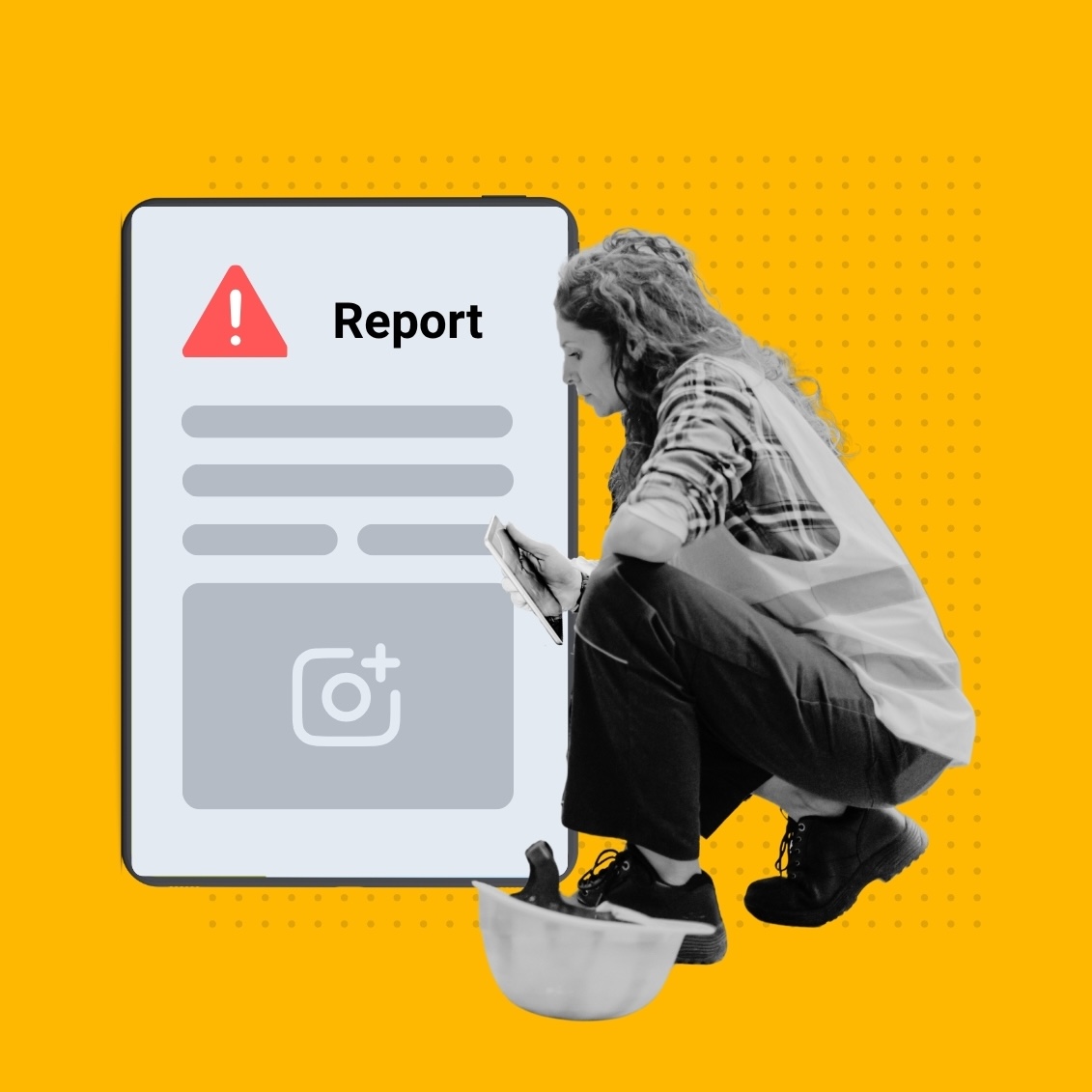
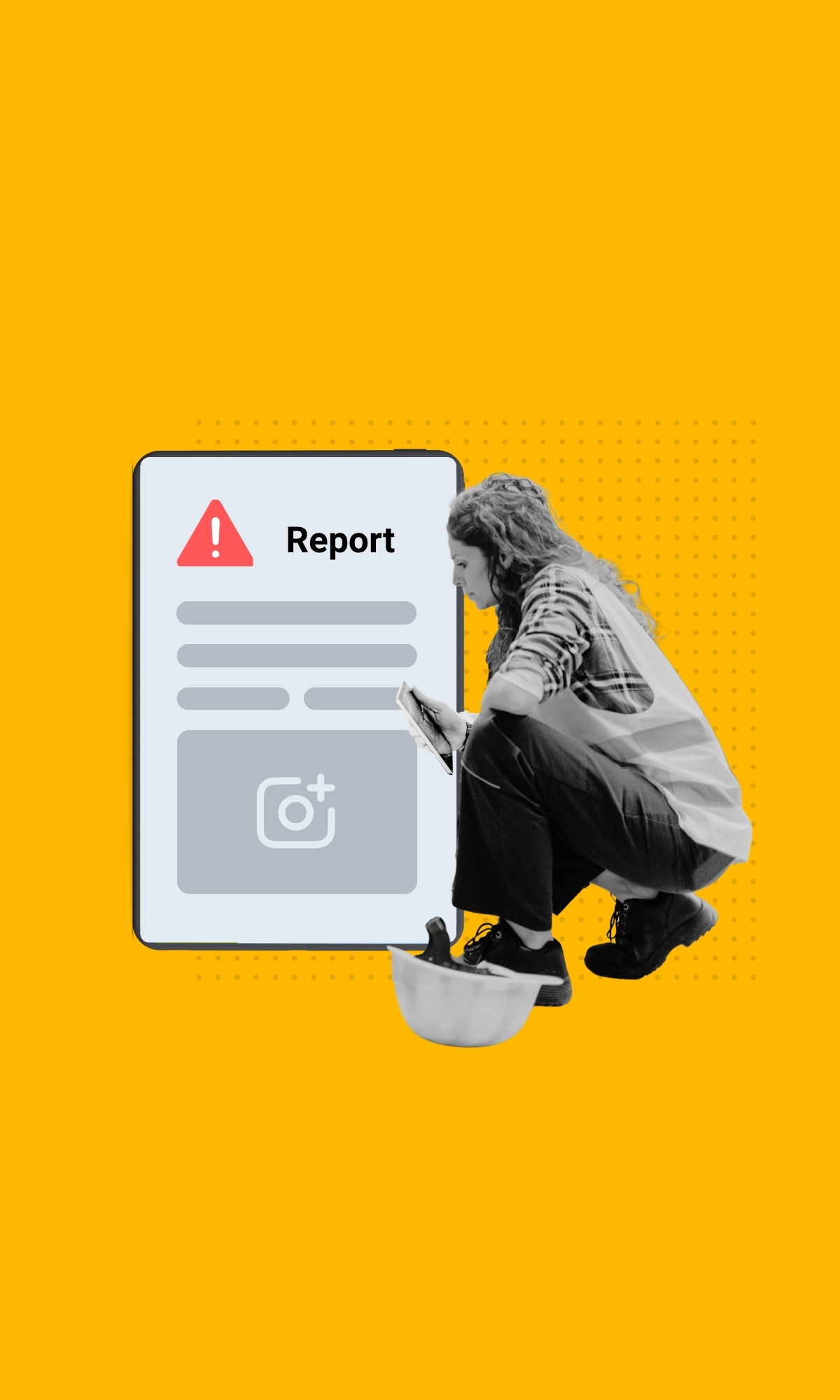
The reports module makes reporting easy and reliable. Employees submit a report via the app. The organisation stays in control of follow-up and analysis. Every report lands in one central overview with full status and history.

Benefits of incident management

When reporting is easy, people actually do it. More reports means better insight and more chances to catch risks in time.
Report from anywhere, without barriers.
One central overview, better follow-up, less duplication.
Spot trends and recurring risks.
Support for safety policy and reporting.

Why reporting matters

  • Builds risk awareness
  • Encourages openness and learning
  • Prevents risks from developing into incidents
  • Supports long-term safety policy
Construction workers

Reporting in practice

Scenario 1: Reporting a workplace accident

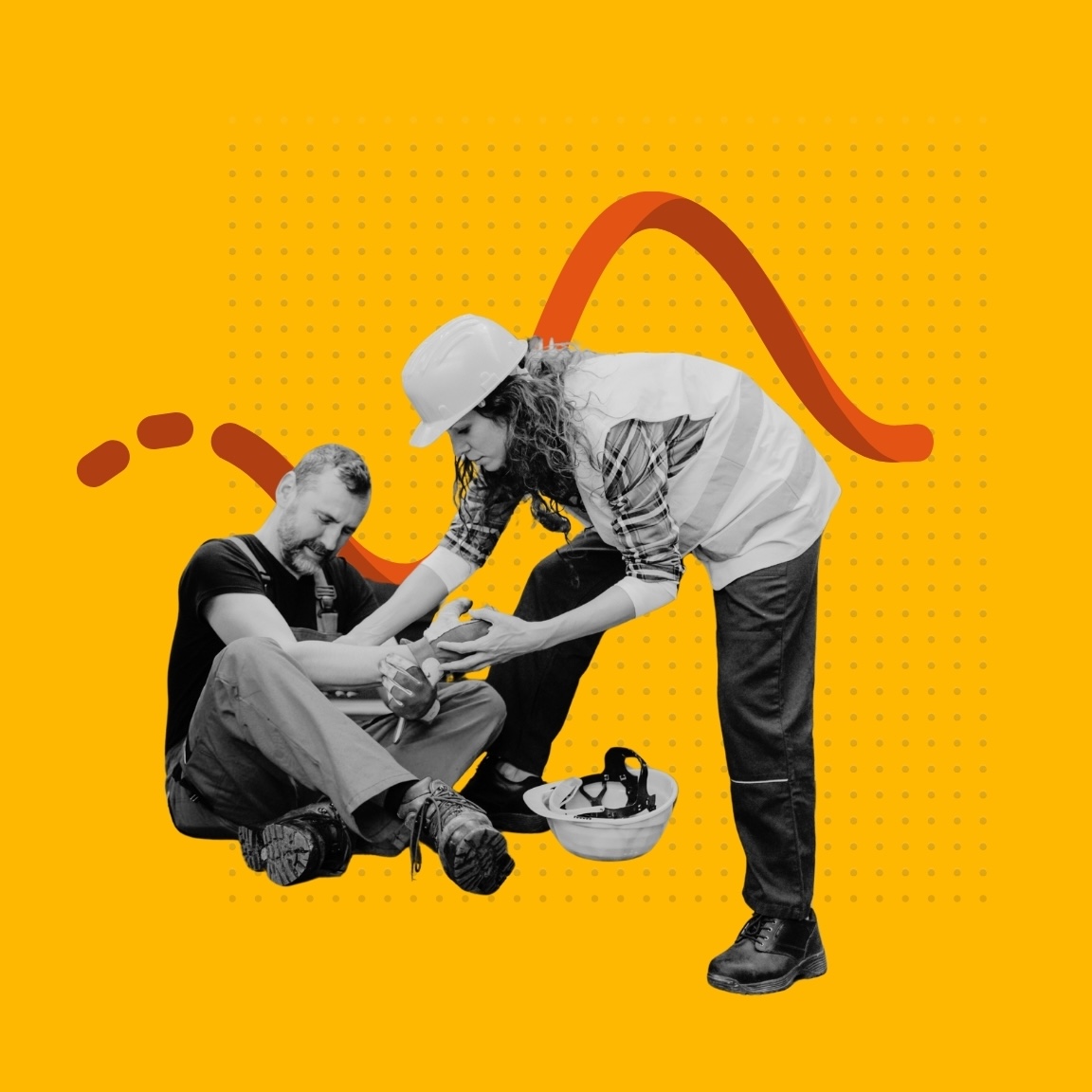
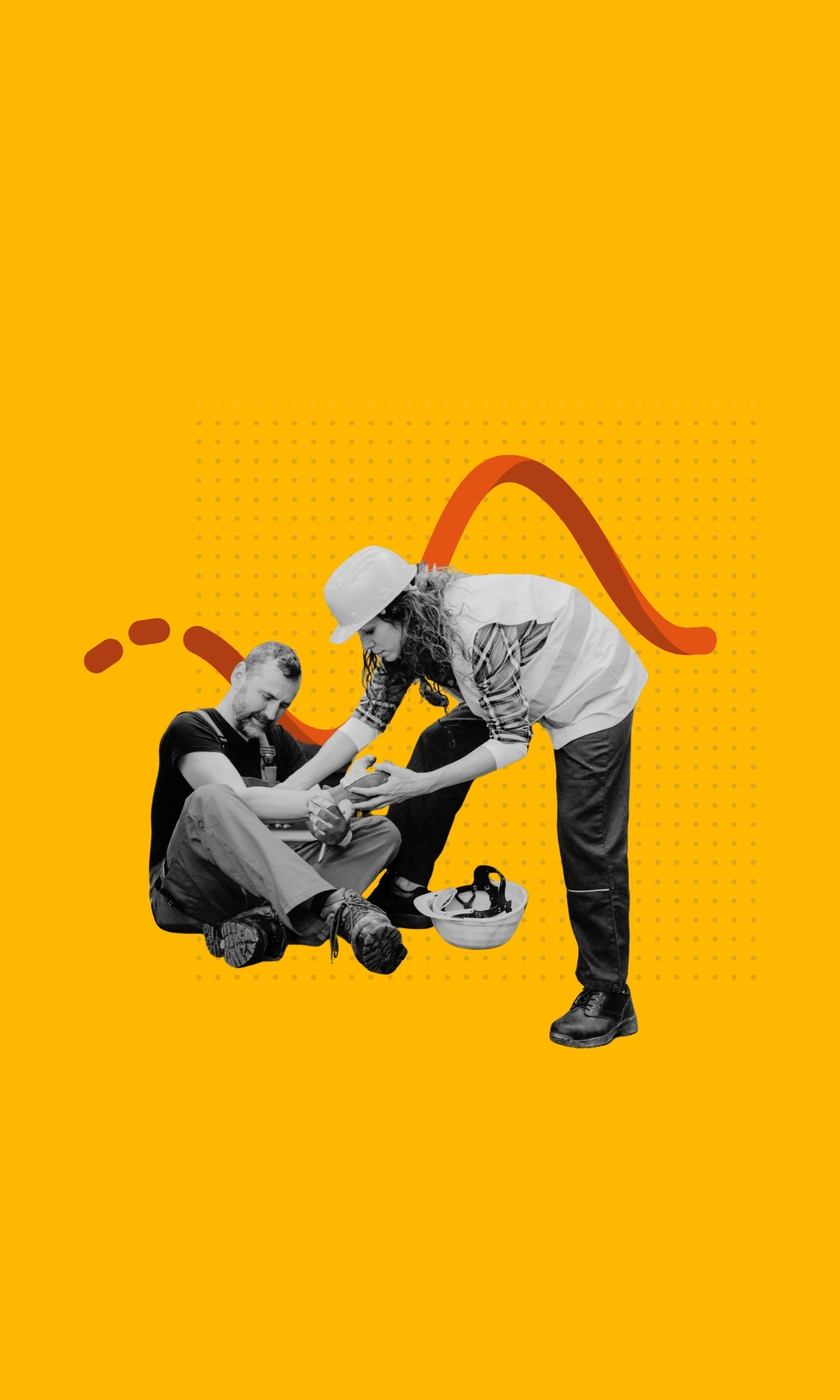
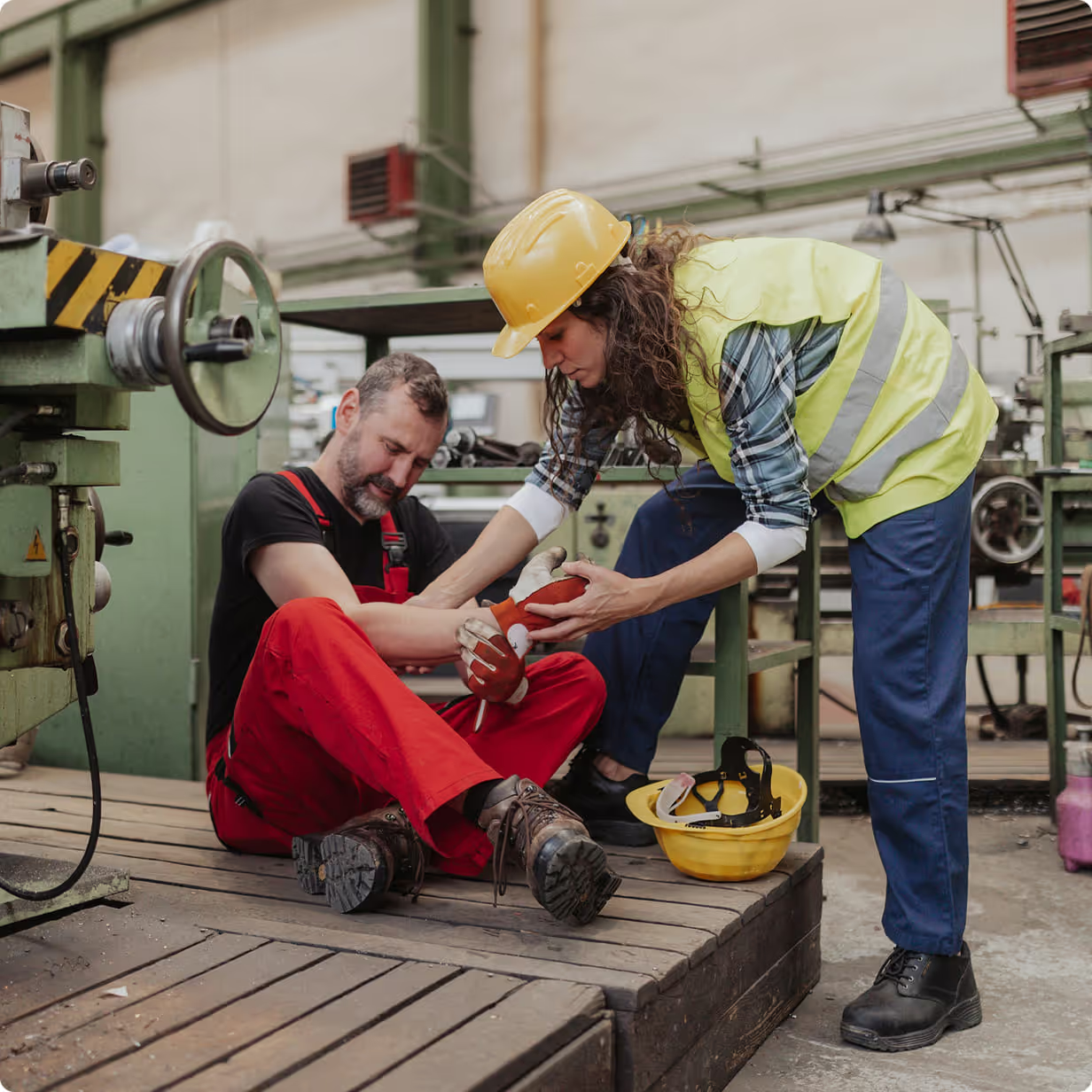
An employee is injured in a fall. The accident is reported via the SafetyFirst app, including photos and location. The report is automatically routed to the right person, who can take action immediately.

Scenario 2: Reporting a near-miss or unsafe situation

An employee spots a dangerous situation that hasn't caused an accident yet. By reporting it, the organisation can intervene before something goes wrong.

What happens after the report?

  • The situation is analysed
  • Actions and tasks are assigned
  • Trends and recurring patterns become visible

Integration and customization

The reports module connects to other SafetyFirst modules like inspections and tasks.
As an organization you can:
  • Define your own report types, to match your safety approach
  • Customise report forms to capture exactly the information you need
  • Set up processes and responsibilities per project or location or team

Why reporting is important

  • Increases risk awareness
  • Encourages openness and learning
  • Prevents risks from developing into incidents
  • Supports structural safety policy
Info image

Incident reporting in practice

Scenario 1: Reporting a workplace accident

An employee sustains an injury from a fall. Via the SafetyFirst app, the workplace accident is reported, including photos and location. The report is automatically forwarded to the responsible party, who can immediately take action.

Scenario 2: Reporting a workplace accident

An employee sees a dangerous situation that has not yet caused an accident. By reporting this, the organisation can intervene before something goes wrong.
Info image

What happens after the report?

  • Increases risk awareness
  • Encourages openness and learning
  • Prevents risks from developing into incidents
Info image

Integration and customization

The reports module is flexible and connects seamlessly with other SafetyFirst modules, such as inspections and tasks. This way, incident management fully matches the way your organization works.
As an organization you can:
  • Define your own report types, matching your safety approach
  • Customize report forms to the information you want to record
  • Align processes and responsibilities per organisation, project or location
Info image

Want to experience how easy and reliable incident reporting can be?

Request a demo or download the brochure.

Frequently asked questions

What can I report as an incident?

That depends on your organisation's setup. Common examples: accidents, near-misses, unsafe situations and safety observations. You can also add custom report types like cable damage, environmental damage or improvement ideas.

Can a workplace accident also be reported via mobile?

Report any incident from the app or the web, wherever you are.

How is the follow-up of reports arranged?

Each report is automatically assigned to the right person for follow-up. Other stakeholders can be notified automatically, so follow-up stays clear and transparent.

Are all reports accessible for reporting purposes?

All reports are stored centrally and available for analysis and reporting.

Can this module be combined with other SafetyFirst modules?

Reports integrates with other modules such as inspections and tasks.

Still have a question?

We’d be happy to hear from you and assist you further.