Platform Modules

Inspections Module

Run safety inspections, observation rounds and audits digitally with the SafetyFirst inspections module. Record findings on the spot with photos and comments, and convert them into tasks or reports immediately. Safety becomes an active, demonstrable process, not a paper obligation. Your organisation stays aligned with industry standards and regulatory requirements without the admin overhead. All inspection data lives in one place, ready for reporting and audits whenever you need it.


Create your own inspection forms

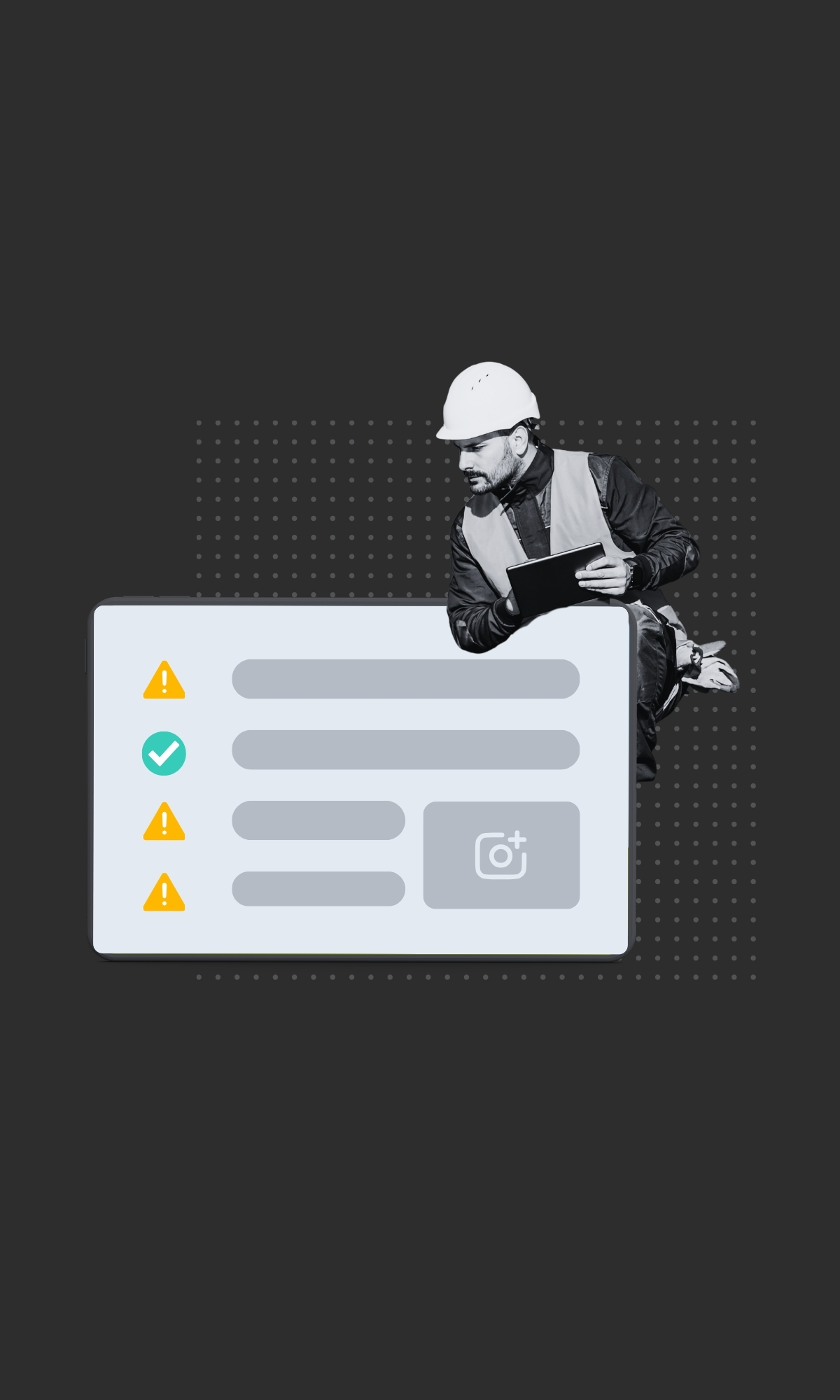
Every organisation works differently and has different wishes and requirements around inspections. The same applies to inspection software. With the SafetyFirst Inspections Module you can fully compose your own inspection forms. Want separate forms for workplace inspections, scaffolding inspections, safety walks, behavioural and safety audits or inspections of technical installations? No problem! You determine the structure and content of each form yourself. You have various form options, such as open and closed questions, scores and performance indicators, digital signature and free text fields for explanations.

Inspection forms can be created unlimitedly and can easily be shared with other SafetyFirst users within the organisation or within the chain, so that organisations can learn from each other and inspections are continuously improved.

How the inspection software works

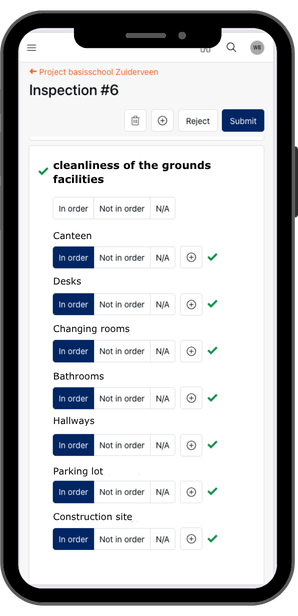
Works on any device, online or offline. Select a form, walk through the questions, add photos and comments, and create tasks or reports as you go. Complete the inspection and send the report. Four steps, done.

All data saves in real-time, so nothing is lost, even with poor reception on site. Pause an inspection and pick it up later, or have multiple inspectors work on the same form at once. The data is there when you need it.

Benefits of inspections module

Inspect together, manage from the web, and export reports automatically.
Save in real-time and finish later.
Add photos, notes, reports and tasks per question.
Assign inspections to colleagues one-time or periodically.
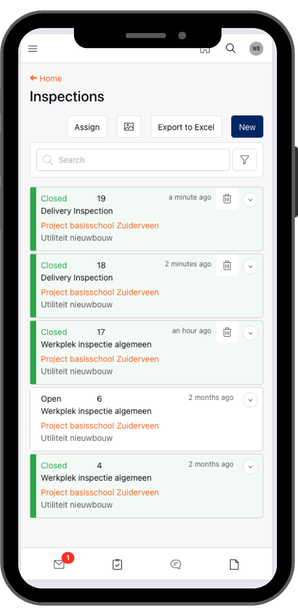
One central overview of all inspections and insights.
Construction

Automatic follow-up: tasks and reports

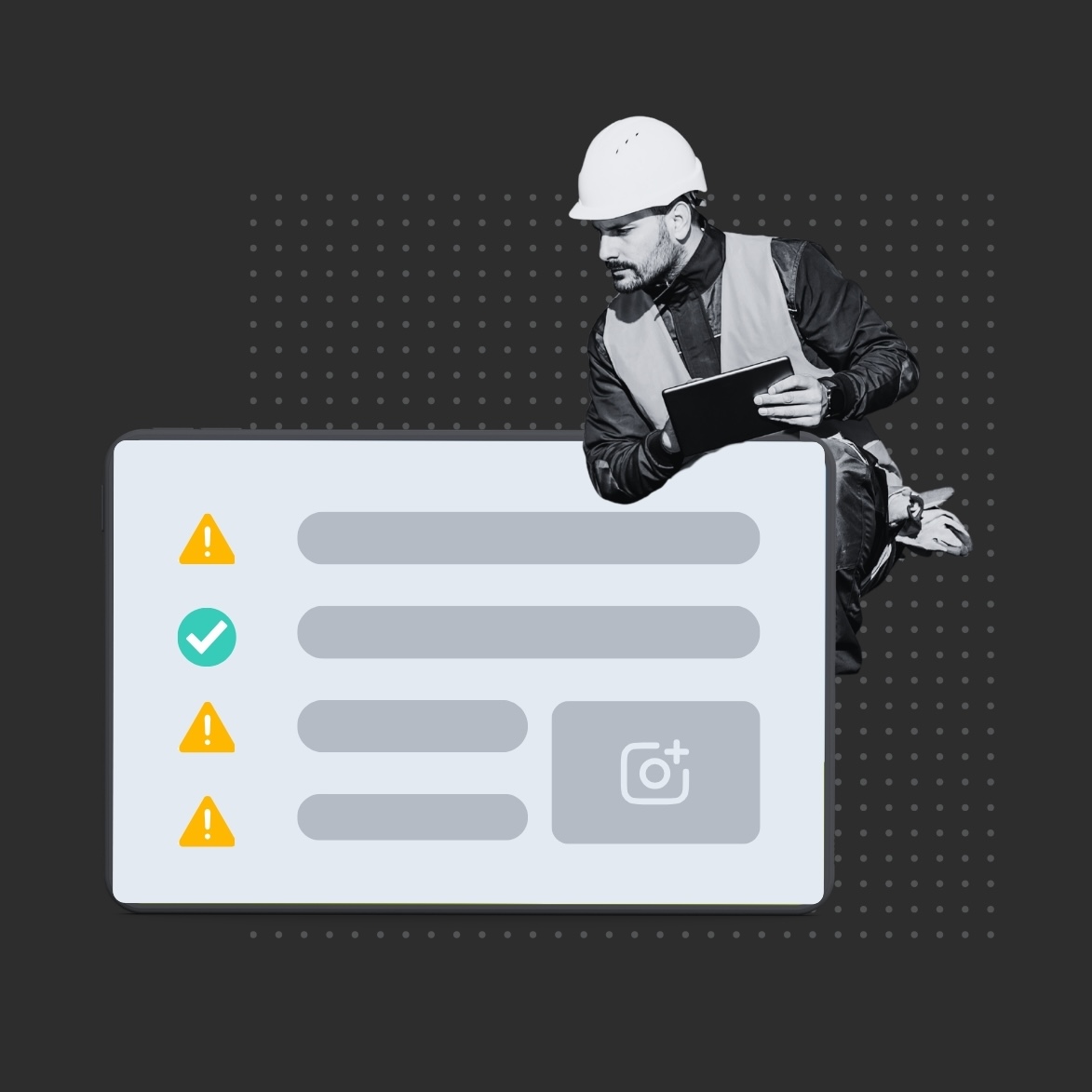
An inspection only matters if findings get followed up. Turn any finding into a task or report for a colleague, right from the inspection form. Add photos, comments and a location so nothing gets lost in translation.

Every action is tracked, so you can show exactly what was identified and resolved. Ready for audits, ready for certifications.

Inspections in practice

On site

Walk the site with the app open. Flag issues per question, snap a photo, and convert findings into tasks on the spot. Once you're done, the report is ready automatically.

From the office

Schedule recurring inspections and assign them to your team. Get notified when an inspection is overdue, so nothing slips through. Full visibility into what's been checked and what still needs attention.

Integration and customization

The inspections module connects directly to reports, tasks, toolboxes. Findings flow into the right module automatically, so your team works in one system instead of switching between tools.

Make the app your own. With white labelling, SafetyFirst runs under your brand, your logo, your colors.

Automatic follow-up: tasks and reports

An inspection is only truly valuable when the findings are also followed up. That's why the inspector can directly convert every finding in the inspection reporting software into a task or report for a colleague.

Per inspection item, relevant data can be recorded, such as photos, comments and optionally a location. From an inspection item, a task or report can then be created to organize follow-up.

This creates structural follow-up and makes it demonstrable which findings have been identified and addressed. The inspection reporting module thus makes inspections not only insightful, but also useful for audits and certifications.

Integration and customization

The Inspections module seamlessly connects to other SafetyFirst modules such as Reports, Tasks, Toolboxes and LMRA. Moreover, you can fully customize the SafetyFirst app to your wishes and corporate identity through white labelling.

Inspection software in practice

Workplace inspection on the construction site

A site manager conducts a workplace inspection via the Inspections module in the SafetyFirst app. Per question he takes photos and notes points of attention. He directly converts deviations into tasks. After completing the inspection, the inspection report is automatically available.

Scheduled inspections from QHSE

A QHSE manager schedules periodic workplace inspections for site managers, for example monthly. The site manager automatically receives a task to conduct the inspection via the app. If desired, the QHSE manager receives a notification when an inspection is not completed on time. This way he maintains control over execution and follow-up.

Want to experience how easy digital inspections work?

Request a demo and discover how SafetyFirst brings together inspections, follow-up and reporting in one system.

Frequently asked questions

Can I create my own inspection forms?

Yes, you can create unlimited forms tailored to your organisation's needs. Start from scratch or use existing templates.

Are inspections automatically saved?

Everything saves in real-time. Lose connection on site? No problem. Pick up where you left off.

What types of inspections does the module support?

Workplace inspections, scaffolding checks, observation rounds, safety audits, and more. If you can put it in a checklist, you can run it as an inspection.

Can I link tasks to findings?

For every question, you can create a task or report and assign it directly to a colleague for follow-up.

Can I conduct inspections together?

Add co-inspectors so multiple team members can work on the same inspection at once.

Still have a question?

We’d be happy to hear from you and assist you further.